New to CiteRight Next!
CiteRight can save acts, regulations, and statutes from CanLII. The steps are similar to saving a case, except that only particular excerpts that you highlight or paste are saved.
1. Open a piece of legislation on CanLII, waiting a few seconds for the page to load completely.
With longer pages, this may take extra time. Allowing the page to load completely will prevent errors in scanning the document.
2. Open your CiteRight browser extension. Login if necessary.
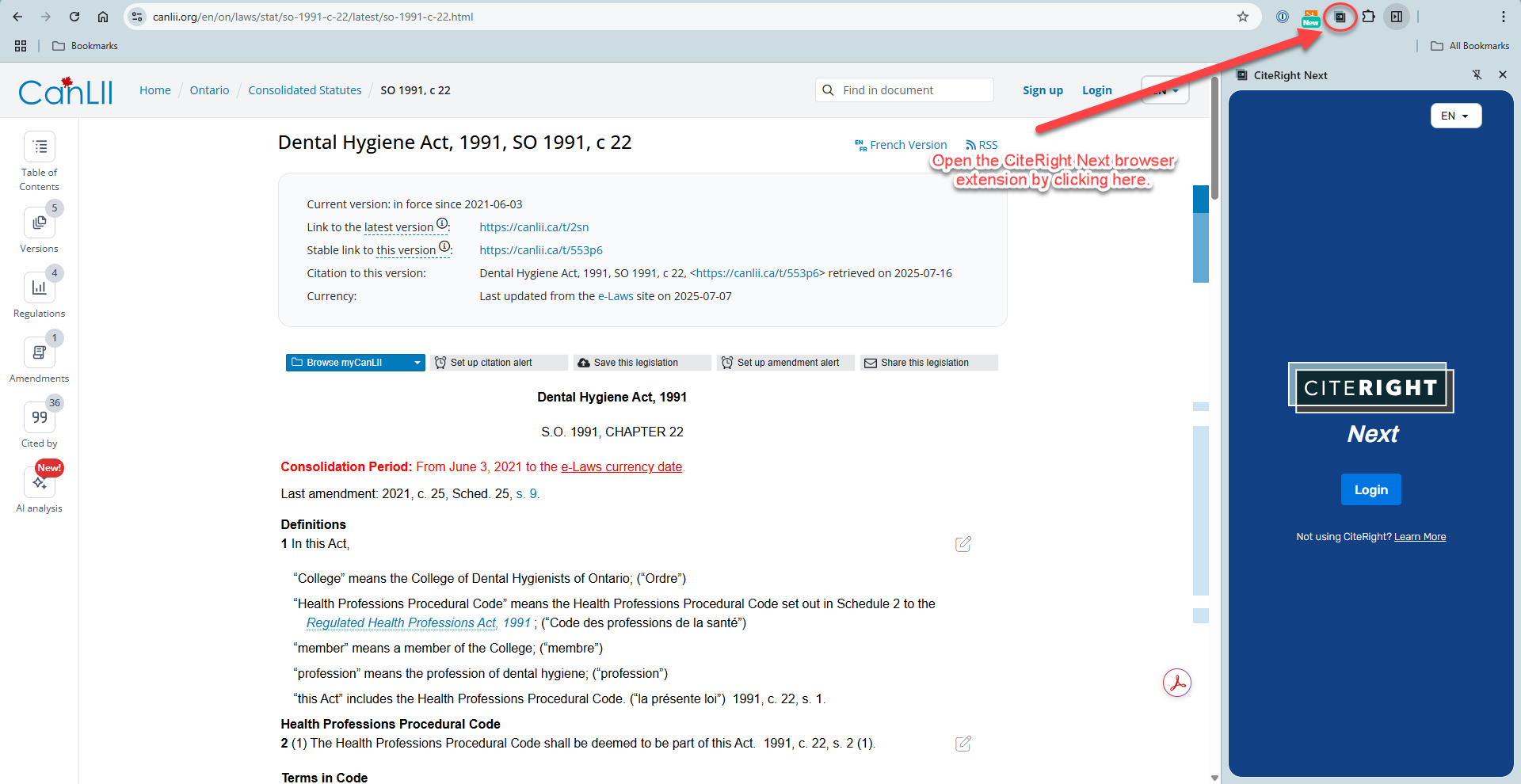
3. Allow CiteRight a few seconds to scan through the page. Once the name of the legislation and other fields appear, it is ready to save.
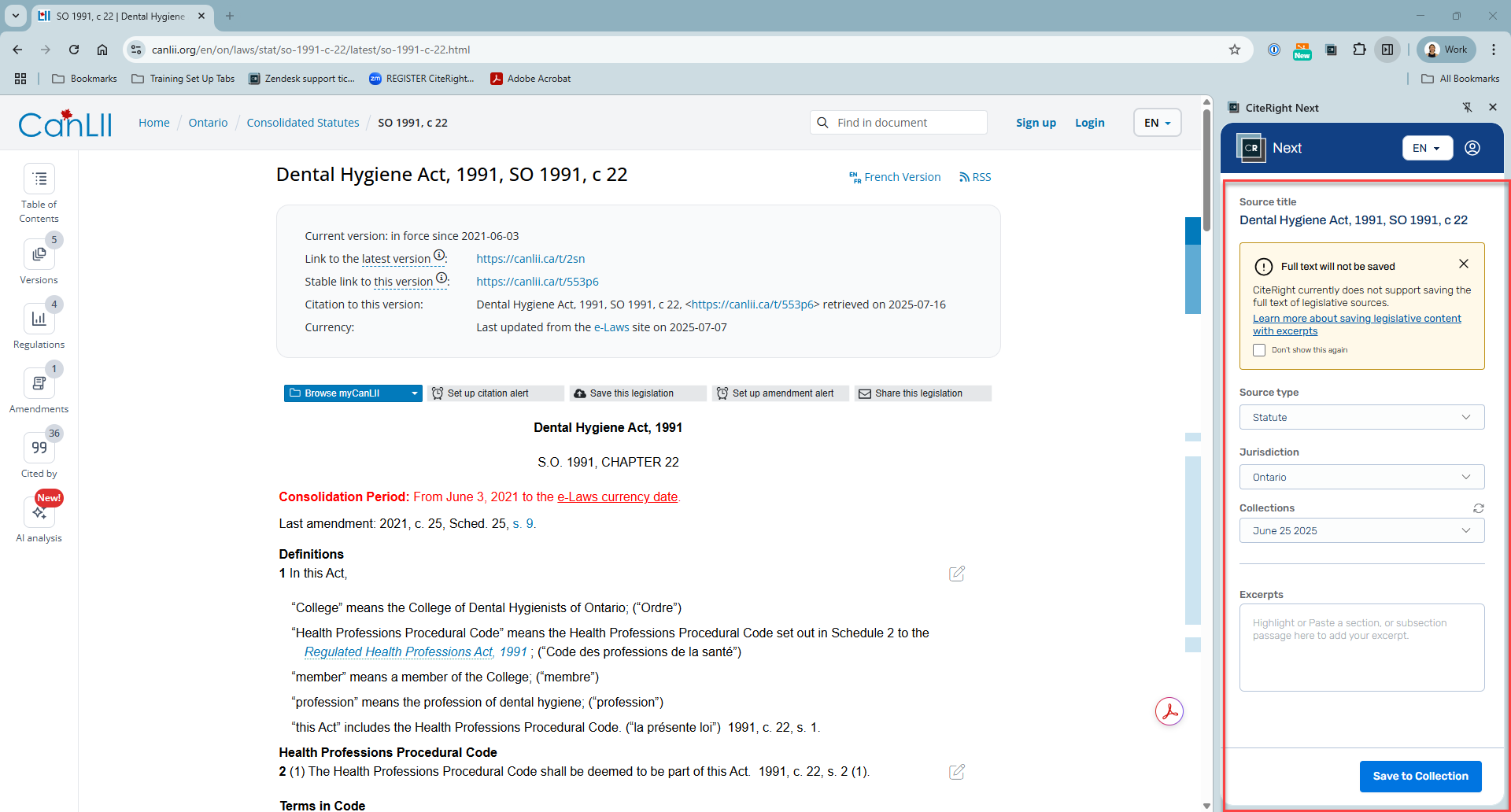
4. Highlight or paste any excerpt within the page and click on the "+Add excerpt" button.
This button will appear only once you've highlighted the section and released your mouse click.
5. Adjust the three components as needed: Section #, Excerpt, and Anchor Link.
Please note, you can also get the hyperlink from CanLII in case the section needs to be changed in the Modify menu.